


Industrial level temperature and humidity sensor with Lora technology up to 200 degrees


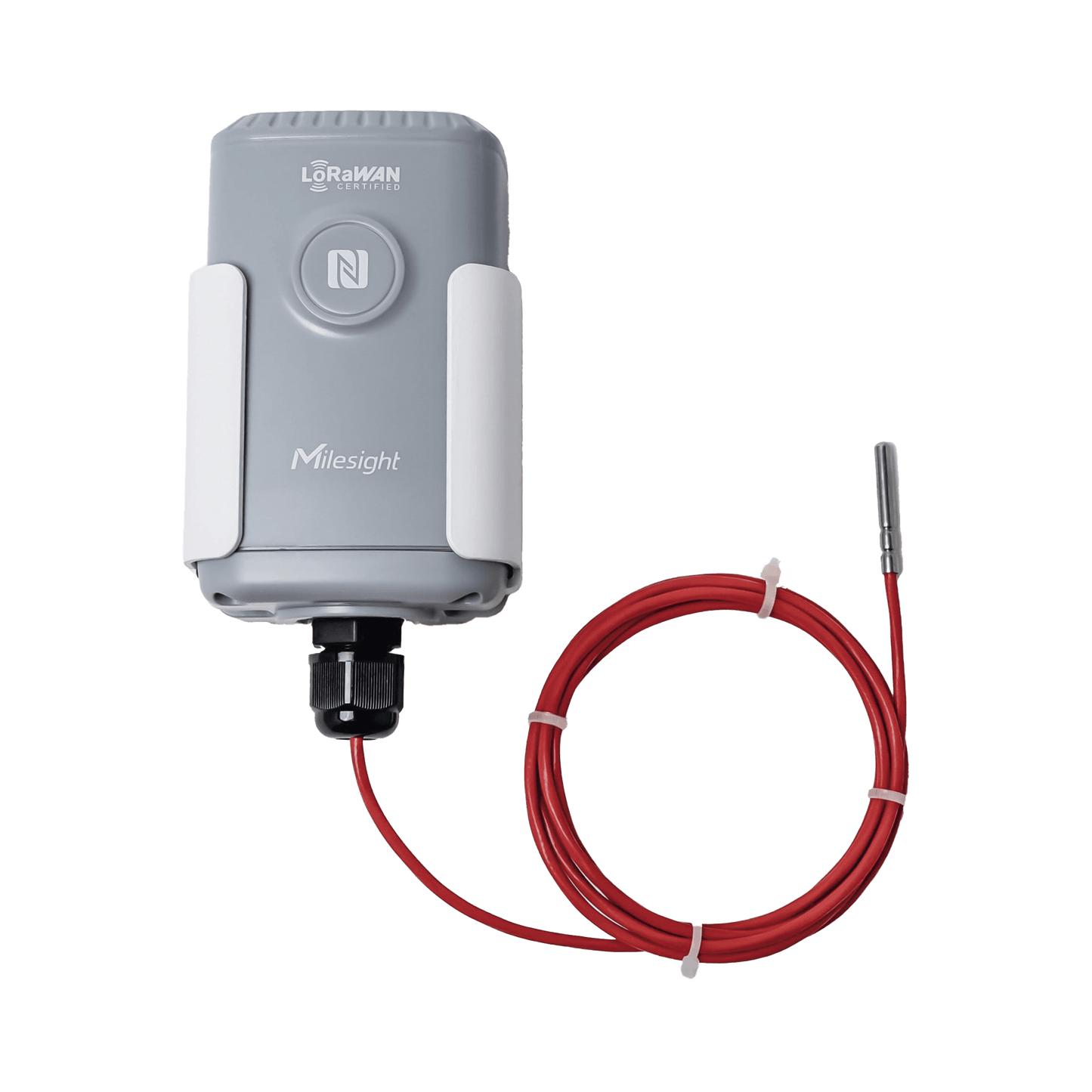

EM500PT100 is equipped with a high-precision PT100 temperature sensor.
offers much more stable and accurate temperature measurement from -50 to 200°C
Has a vibration resistant construction
Features: benefits and applications
In the process industry, The PT100 sensor is universally and widely used to measure extreme temperatures covering a wide range from -200 to +800°C. Also, The type of sensor indicates two important factors about the sensor.


Temperature monitoring for industrial boilers
In industrial settings, as the operating time of mechanical equipment, like an industrial boiler, lengthens during operation, The temperature will increase continuously.
The need to use an industrial temperature sensor to monitor the temperature of the equipment in time can detect problems early and lead to safety accidents.
cloud web and app
The CO2 sensor works seamlessly with Milesight IoT cloud allowing you to monitor your data in the office or on the go
With a drag and drop experience, Milesight IoT cloud provides rich features such as intuitive widgets, dispensers, device sharing and ownership transfer, layers, etc

LoRaWAN wireless transmission
Ultra-low power consumption and easy deployment
Built-in 19000 mAh high-capacity battery can be used for 10 years


1st step
Install Milesight toolBox
This application is available for Android and iOS.

2nd step
Enable NFC and run ToolBox. Connect your phone to the device
In order to make a correct configuration of the device and obtain a correct measurement in the application.

3rd step
Verify password and start setting up
Correctly verify the password to be able to make a correct configuration in the ToolBox application